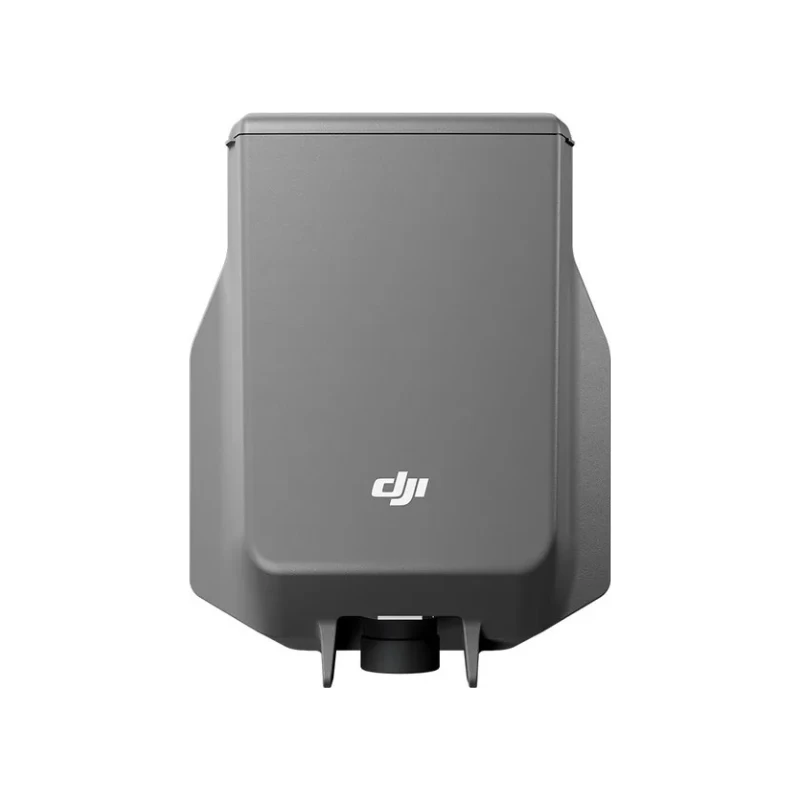
Spotlight for Matrice 4 Series drones. Always-on and strobe modes, illumination at up to 100 m and synchronization with the camera direction. For night search operations and surveillance.
DJI AL1 — a spotlight for Matrice 4 Series drones that provides illumination for night surveillance and search operations.
The spotlight illuminates objects at up to 100 m and follows the camera gimbal direction. Always-on and strobe modes are available, plus Wide FOV mode with up-to-date firmware.
It is controlled from the DJI Pilot 2 app. AL1 can be installed together with the AS1 speaker to light and speak in the same flight.
Key features
Range up to 100 m — lights the search area.
Always-on and strobe — choose the mode for the task.
Camera synchronization — the light follows the gimbal.
Wide FOV mode — with up-to-date firmware.
Together with AS1 — light and voice in one flight.
99 g (including bracket) 91 g (excluding bracket)No mounting bracket is required when installing on Matrice 4D Series aircraft.
Dimensions
95×164×30 mm (L×W×H, including bracket) 79×164×28 mm (L×W×H, excluding bracket)
Max Power
32 W
Illuminance
4.3±0.2 lux @ 100 meters, 17±0.2 lux @ 50 metersThe data was measured in a laboratory environment with the spotlight installed separately on the aircraft at an ambient temperature of 25°C (77° F).
Quick-release hand-tightened screwWhen installing onto the aircraft, tighten the screws and ensure proper sealing of the interface. When using with DJI Dock, please use the included hex wrench to tighten the screws again.